
💻 Supports all versions of Windows 10 & 11 (22H2 - 23H2) & All AMD and Intel CPU's
🚫 No Factory Reset Required
✅ Cleaner
📝Simple & Easy To Use Instructions
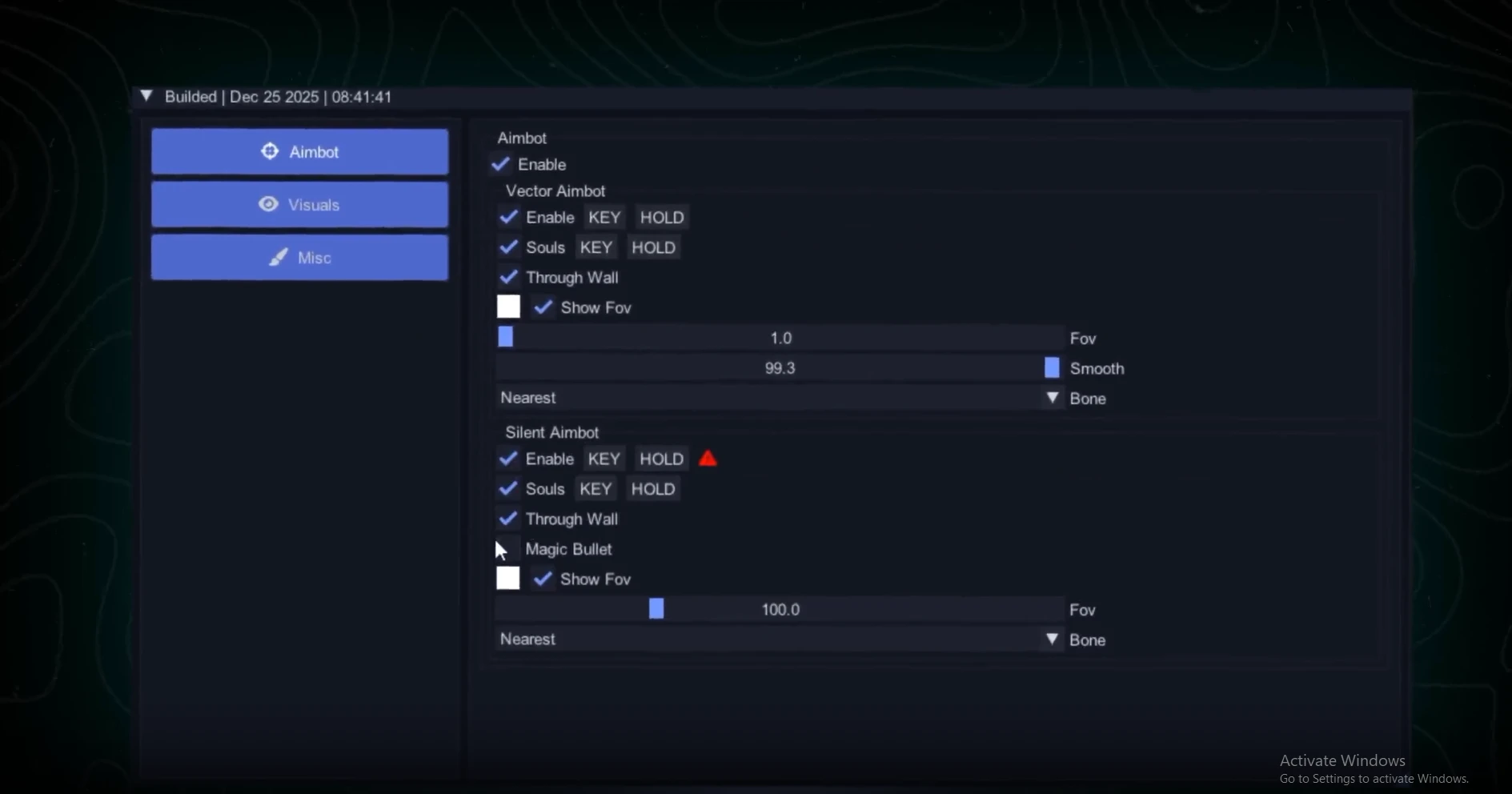
Vector Aimbot 🎯
- Enable - enables the vector aimbot
- Aim Mode (Hold / Toggle / Always) - choose how the aimbot activates (hold key, toggle, or always on)
- Souls - enable aiming at souls
- Troopers - enable targeting of creeps
- Through Wall - allows the aimbot to target enemies through obstacles
- Show FOV - displays the aimbot field of view on screen
- FOV - the area within which the aimbot searches for targets
- Smooth - smoothing level for aim movement
- Bone - select the target point (head, closest bone to crosshair)
Silent Aimbot 🤫
- Enable - enables Silent Aim (hidden aiming without visible crosshair movement)
- Aim Mode (Key Hold / Toggle / Always) - choose the activation mode (hold, toggle, or always)
- Souls - enable aiming at souls
- Troopers - enable targeting of creeps
- Through Wall - allows Silent Aim to work through walls
- Magic Bullet - hits the target regardless of exact crosshair position
- Show FOV - shows the Silent Aimbot working area
- FOV - capture radius for Silent Aimbot
- Bone - select enemy hitbox for Silent Aim (head, closest point)
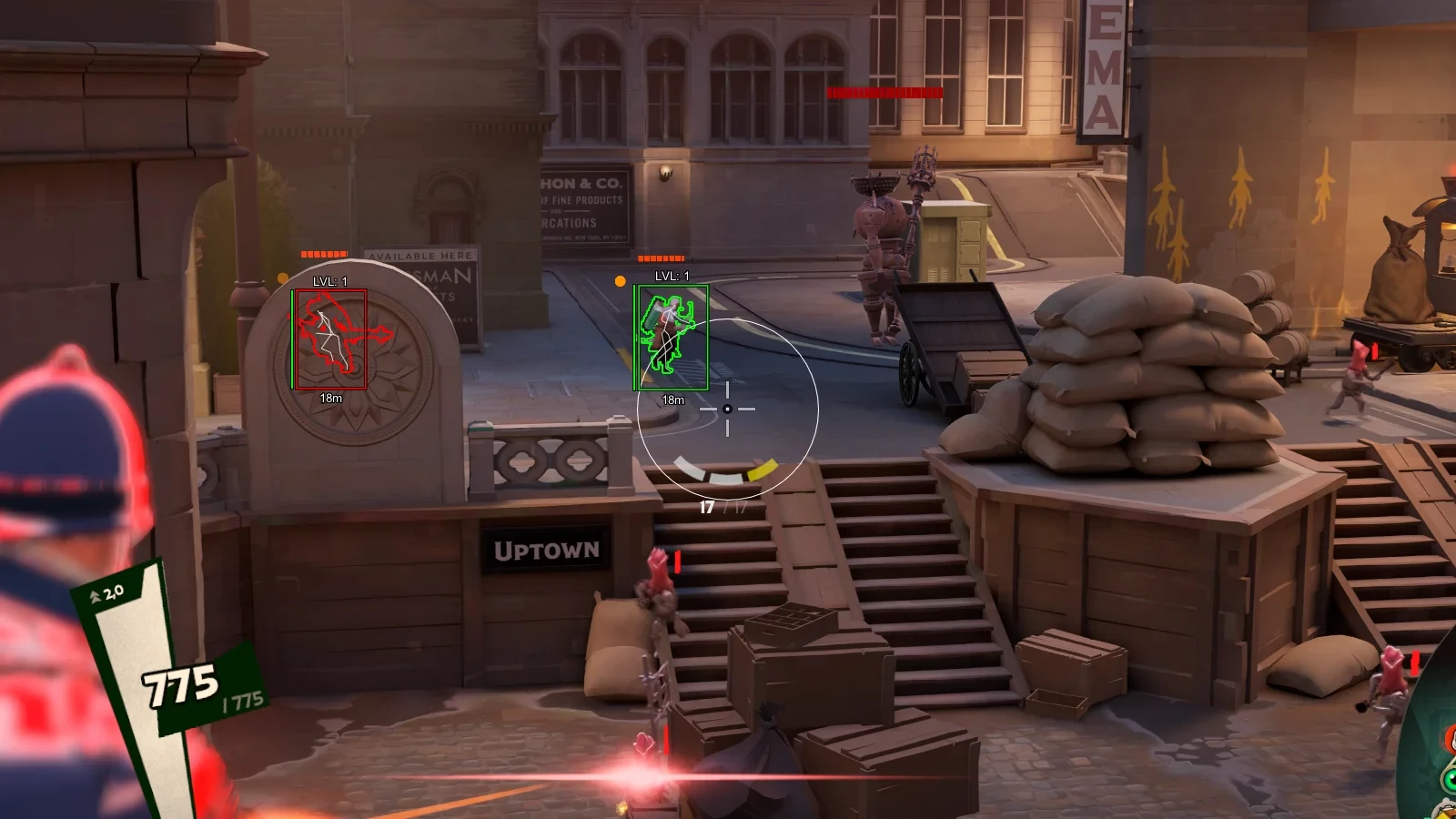
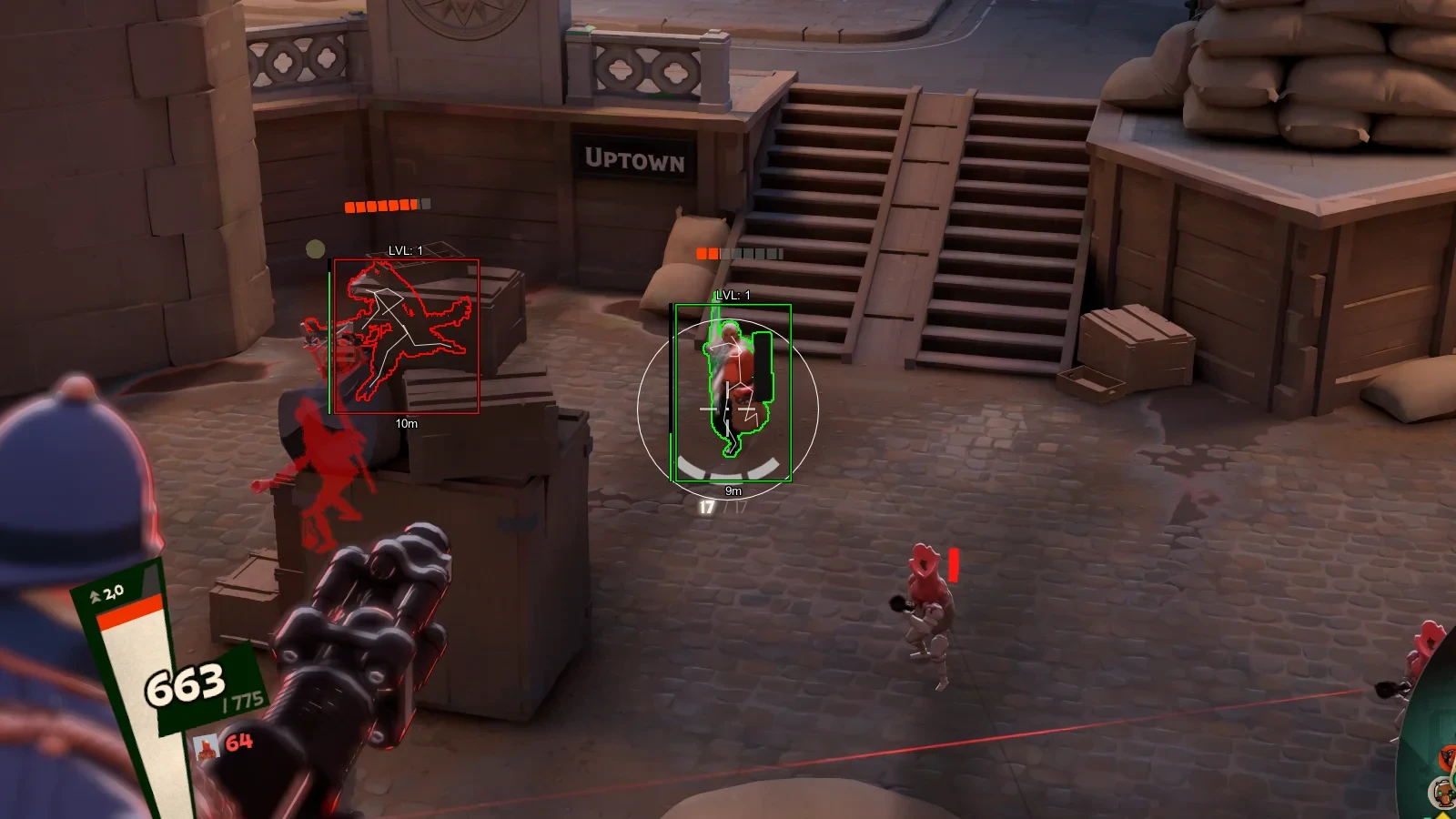
Visuals (ESP) 👁️
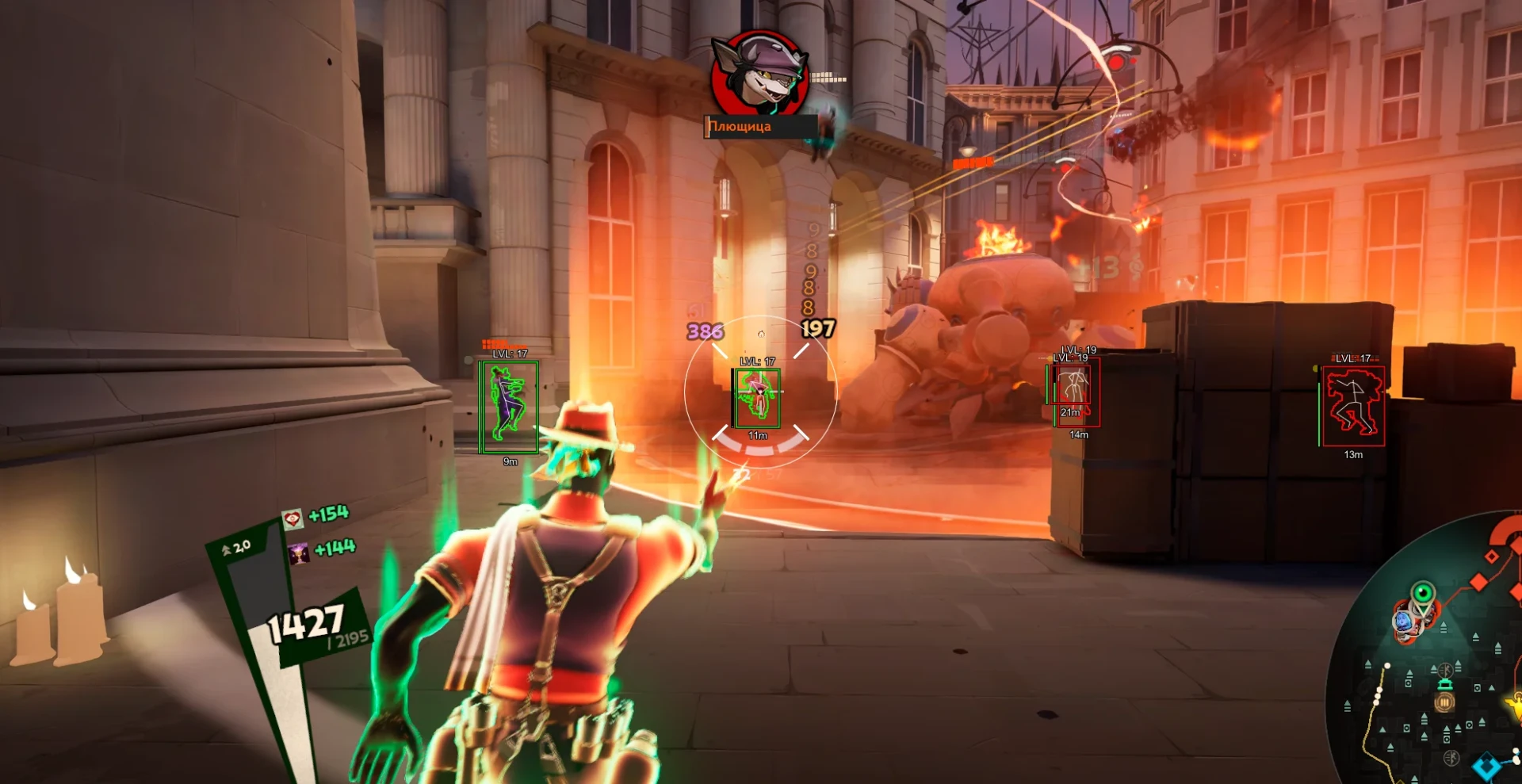
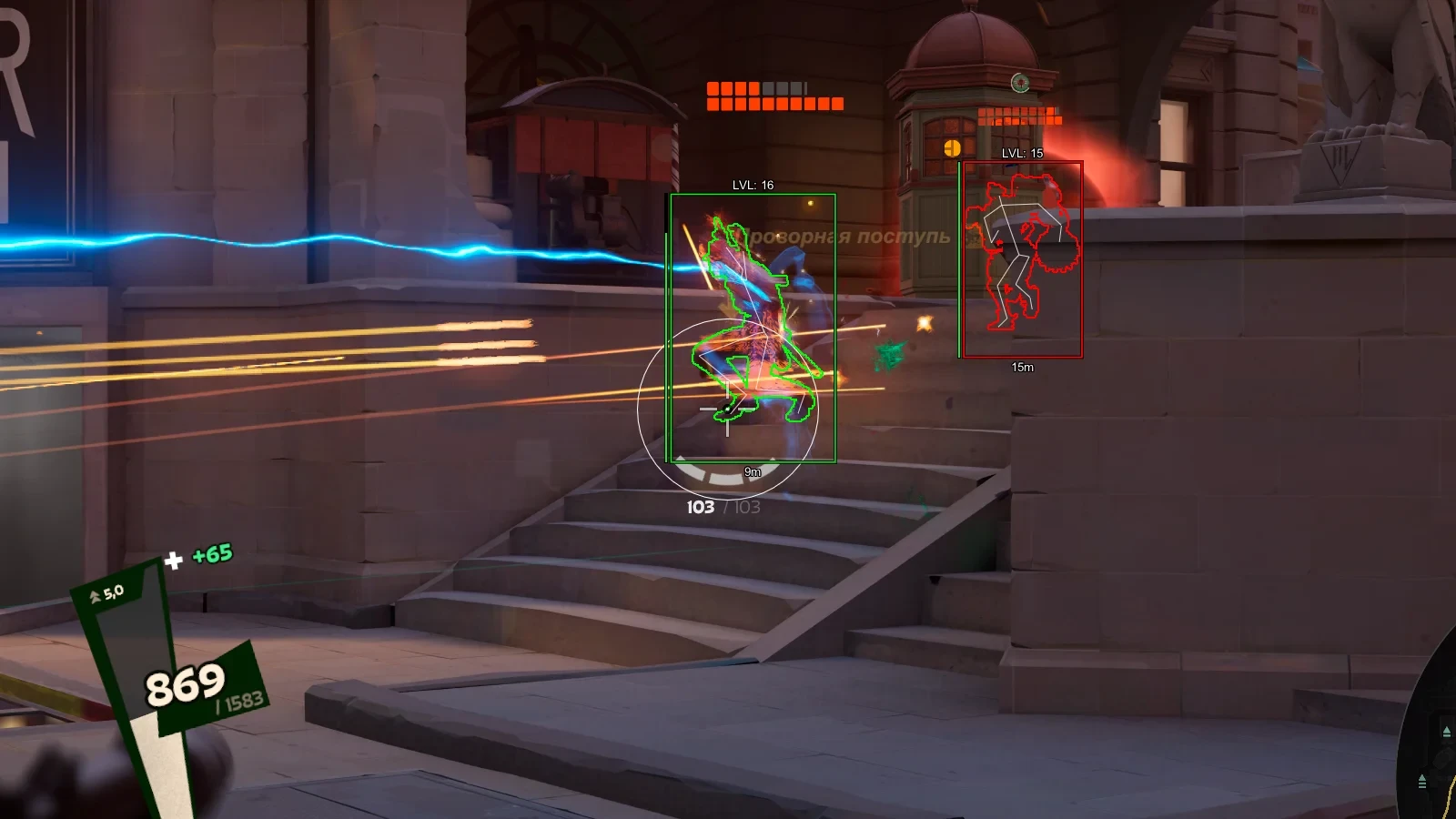
- Players ESP - ESP to display players through walls
- Enable - enables player ESP
- Show Troopers - display creeps on the map
- Show Box - displays players as boxes
- Show Health - shows player health
- Show Level - shows character level
- Show Hero Name - displays hero or class name
- Show Player Name - displays player nicknames
- Show Skeleton - shows player model skeleton
- Show Glow - highlights players with glow
- Show Distance - displays distance to players
Other Phoenix Deadlock Features ⚙️
- Custom Colors - customize colors for boxes, text, skeletons, and other ESP elements with manual shade selection
- Save - save current cheat settings
- Load - load saved config
- Reset - reset settings to default values